PPMBRIGHTEN
NAME
ppmbrighten - change an images Saturation and Value from an HSV map
SYNOPSIS
ppmbrighten [-n] [-s <+- saturation>] [-v <+- value>] <ppmfile>
DESCRIPTION
      Reads a portable pixmap as input.  Converts the image from RGB space
      to HSV space and changes the Value by <+- value> as a percentage.
      Likewise with the Saturation.  Doubling the Value would involve
      ppmbrighten -v 100
      to add 100 percent to the Value.
      The 'n' option normalizes the Value to exist between 0 and 1
      (normalized).
DEMONSTRATION
      Let a.ppm be a portable pixmap.
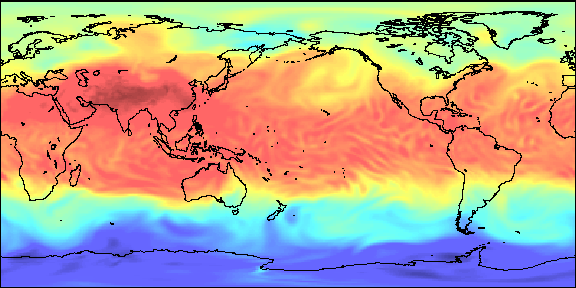
      The following command will reduce by 40% the saturation of each pixel:
        ppmmerge ppmbrighten -s -40 a.ppm >abrighten.ppm
BEFORE

AFTER
SEE ALSO
pgmnorm(1), ppm(5)
AUTHOR
      Copyright (C) 1990 by Brian Moffet Copyright (C) 1989 by Jef
      Poskanzer.
      Permission to use, copy, modify, and distribute this software and its
      documentation for any purpose and without fee is hereby granted,
      provided that the above copyright notice appear in all copies and that
      both that copyright notice and this permission notice appear in
      supporting documentation.  This software is provided "as is" without
      express or implied warranty.
NOTES
This program does not change the number of colors.