PPMCHANGE
NAME
      ppmchange - change all pixels of one color to another in a portable
      pixmap
SYNOPSIS
ppmchange oldcolor newcolor [...] [ppmfile]
DESCRIPTION
      Reads a portable pixmap as input.  Changes all pixels of oldcolor to
      newcolor, leaving all others unchanged.  Up to 256 colors may be
      replaced by specifying couples of colors on the command line.
      The colors can be specified in five ways:
      o    A name, assuming that a pointer to an X11-style color names file
           was compiled in.
      o    An X11-style hexadecimal specifier: rgb:r/g/b, where r g and b
           are each 1- to 4-digit hexadecimal numbers.
      o    An X11-style decimal specifier: rgbi:r/g/b, where r g and b are
           floating point numbers between 0 and 1.
      o    For backwards compatibility, an old-X11-style hexadecimal number:
           #rgb, #rrggbb, #rrrgggbbb, or #rrrrggggbbbb.
      o    For backwards compatibility, a triplet of numbers separated by
           commas: r,g,b, where r g and b are floating point numbers between
           0 and 1.  (This style was added before MIT came up with the
           similar rgbi style.)
DEMONSTRATION
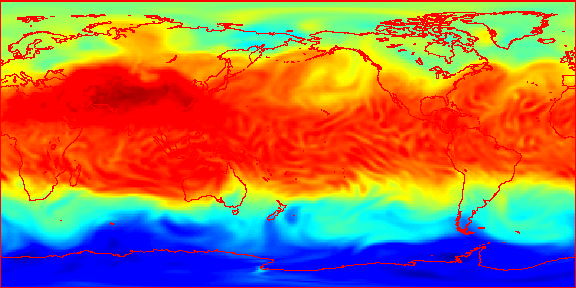
      Let a.ppm be a portable pixmap.
      The following command will change black to red:
	ppmmerge ppmchange rgb:00/00/00 rgb:FF/00/00 a.ppm > achange.ppm
BEFORE

AFTER
SEE ALSO
pgmtoppm(1), ppm(5)
AUTHOR
      Wilson H. Bent. Jr. (whb@usc.edu) with modifications by Alberto
      Accomazzi (alberto@cfa.harvard.edu)